Why Taking a Backup Before Repair Is Best Practice
While standard repairs like screen and battery swaps do not erase your storage, creating a fresh data archive ensures total peace of mind. In rare cases where unexpected motherboard or firmware corruption exists, having a recent backup means you never risk losing irreplaceable family photos or WhatsApp conversations.
How to Back Up an iPhone (iCloud & Computer)
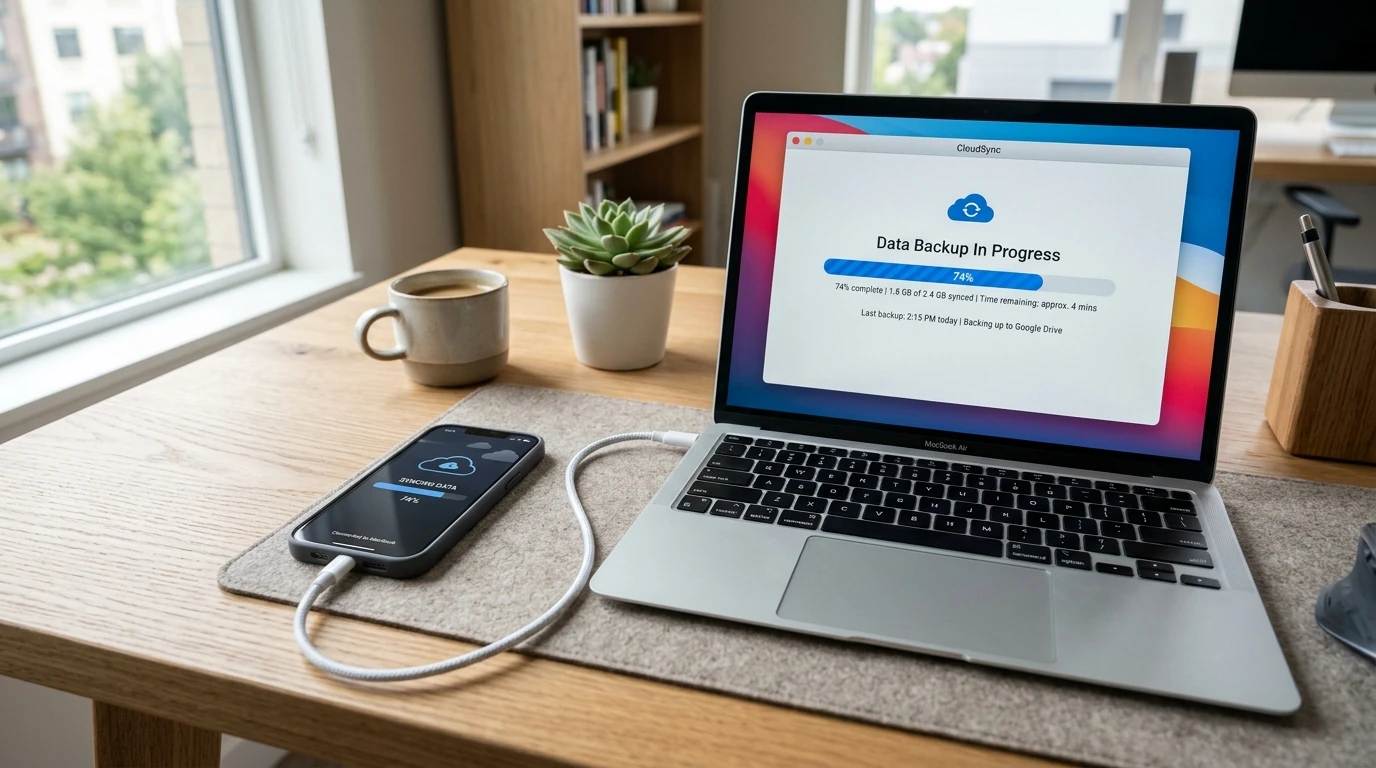
Method 1 (iCloud): Connect to Wi-Fi > Open Settings > Tap your Name > iCloud > iCloud Backup > 'Back Up Now'.
Method 2 (Computer): Plug your iPhone into a Mac (Finder) or Windows PC (iTunes). Select 'Back up all of the data on your iPhone to this Mac/PC' and tick 'Encrypt local backup' to preserve passwords and Health data.
How to Back Up an Android Device
Go to Settings > Google > Backup > 'Back up now'. This backs up apps, call history, contacts, and SMS. Open Google Photos, tap your profile avatar, and confirm 'Backup complete' is displayed.