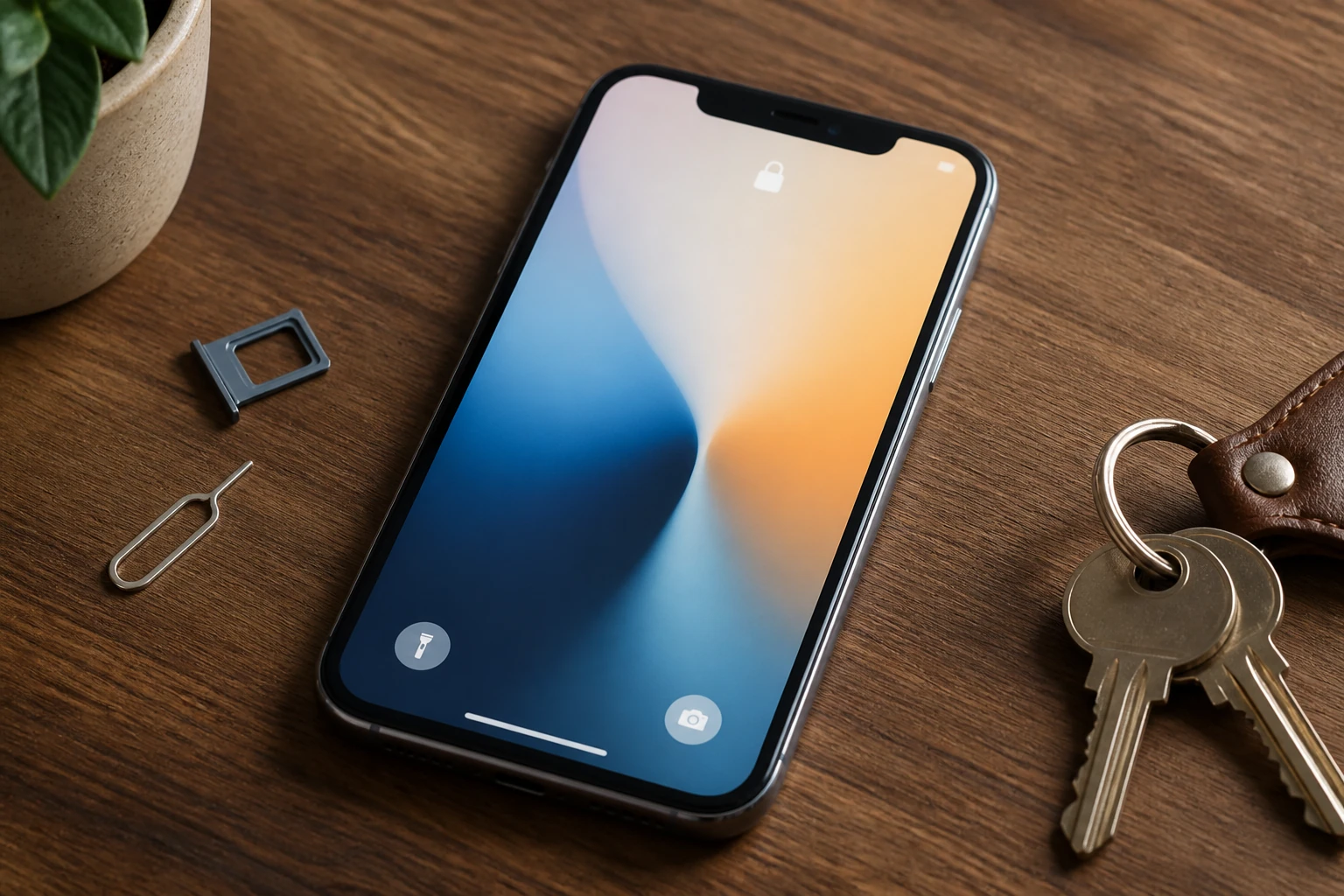
Checking Carrier Lock on an iPhone (30 Seconds)
If you need to verify network status on Apple iOS, you can check directly without inserting another SIM:
1. Open Settings.
2. Tap General > About.
3. Scroll down to find 'Carrier Lock' (or 'Network Provider Lock').
4. If it states 'No SIM restrictions', your iPhone is 100% unlocked and can accept any SIM card worldwide.
If it names a specific network (such as EE, Vodafone, O2, or Three), it is locked to that carrier.
Checking If an Android Phone Is Unlocked
On Android (Samsung, Google Pixel, etc.), the quickest verification is inserting a physical nano-SIM card from another network. If your phone connects and displays signal bars with network data, it is unlocked. If a prompt appears asking for a 'SIM Network Unlock PIN', the handset is network-locked.
Thanks to UK Ofcom regulations implemented in December 2021, mobile networks are legally banned from selling locked phones, meaning almost all newer UK devices are unlocked out of the box.