Crucial Warning: Do NOT Delete Content Manually
A common mistake people make before trading in a phone is manually opening the Contacts or Photos app and tapping Delete. Because your iPhone is synced to iCloud, manually deleting items deletes them permanently from your iPad, Mac, and iCloud cloud storage! The correct way is to use the official system reset.
Step-by-Step: The Correct Factory Reset Procedure
1. Open Settings on your iPhone.
2. Tap General, then scroll to the bottom and select 'Transfer or Reset iPhone'.
3. Tap 'Erase All Content and Settings'.
4. A screen will list what will be removed (Apps & Data, Apple Wallet cards, and eSIMs). Tap Continue.
5. Enter your device passcode.
6. Enter your Apple ID password when prompted to turn off Find My and Activation Lock.
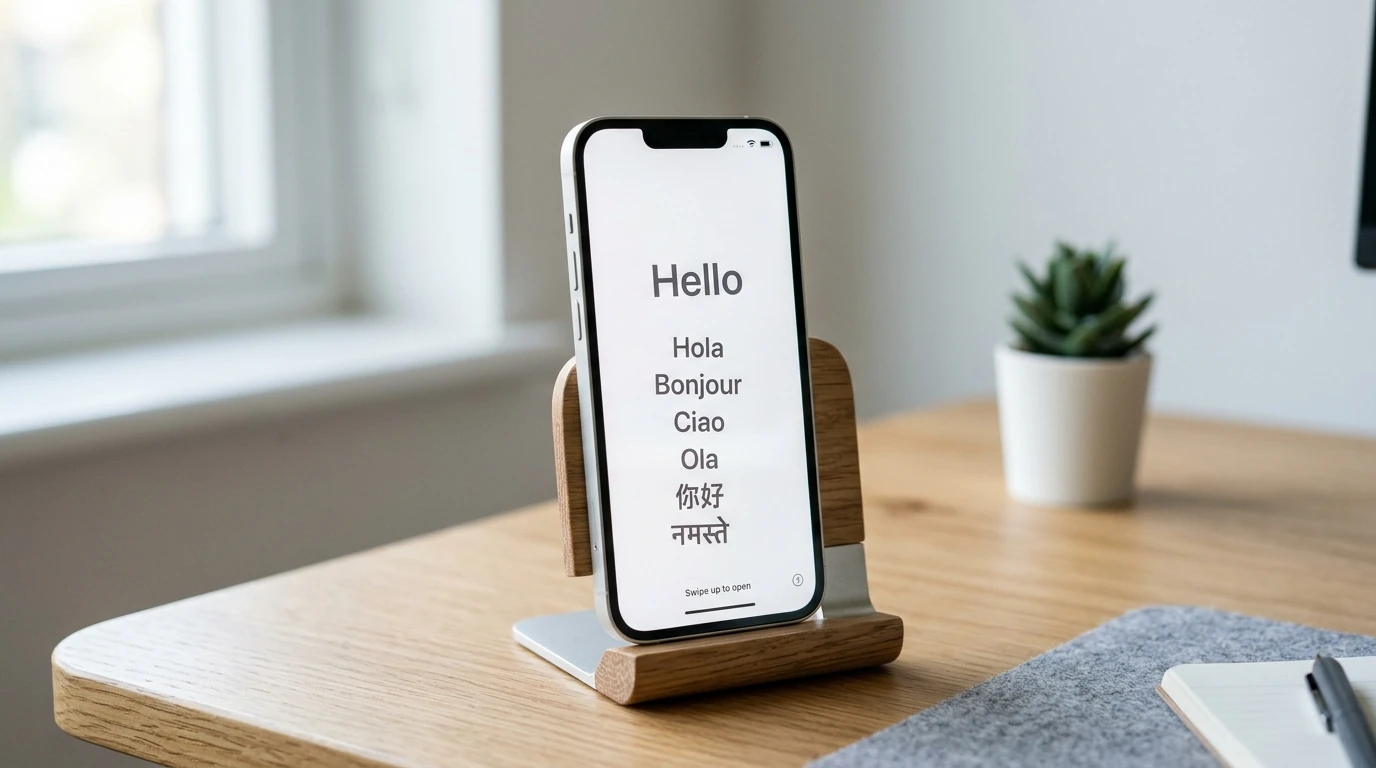
7. The phone will display an Apple logo with a progress bar and reboot to the 'Hello' welcome screen.