Step 1: Unpair Connected Wearables
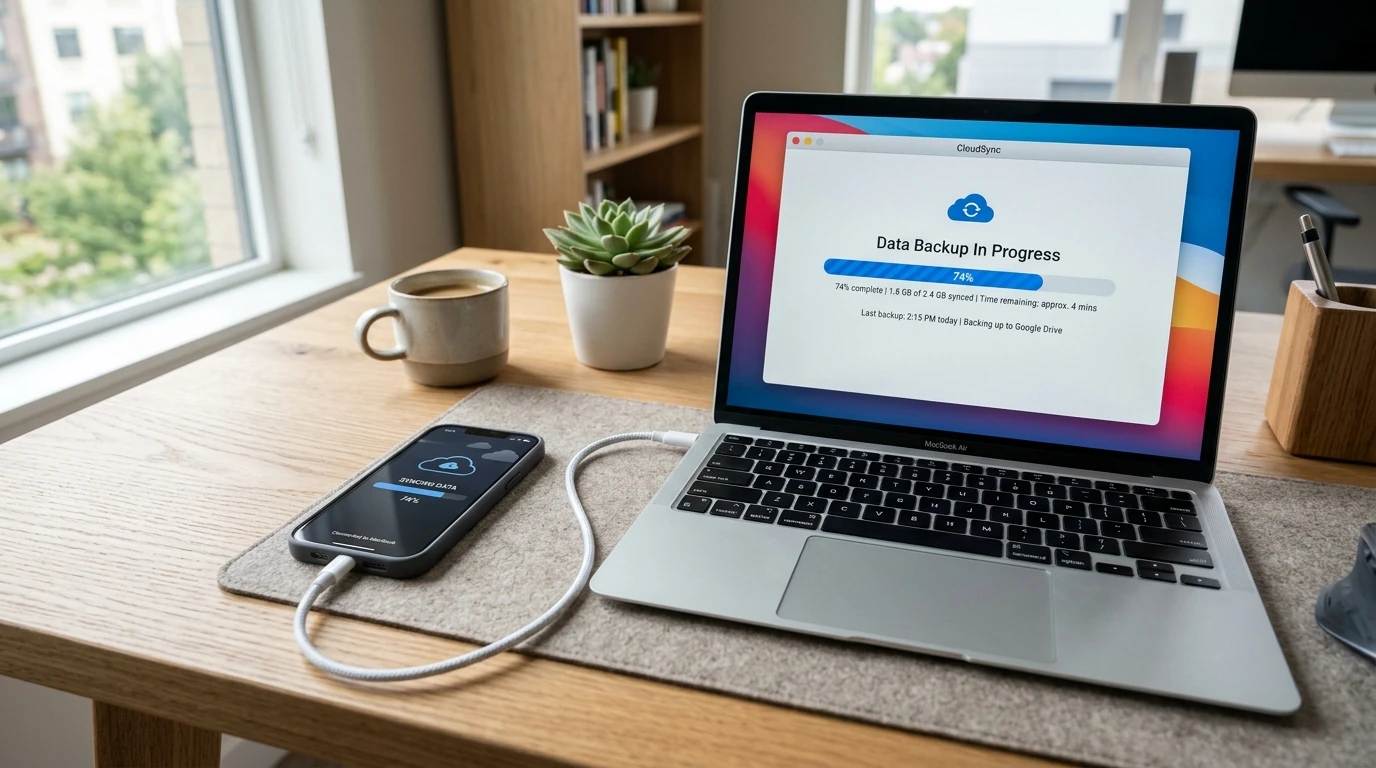
Before resetting anything, open the Watch app and unpair your Apple Watch or wearable. This creates a full backup of the watch data on your phone and releases the watch's activation lock.
Step 2: Sign Out of Cloud and Security Accounts
Removing your cloud account is the most vital security step when preparing to sell. If you reset a phone without signing out, Apple Activation Lock or Android Factory Reset Protection (FRP) will block the buyer from setting up the phone, rendering it unsellable.
On iPhone: Settings > Tap your Name > Scroll down and tap 'Sign Out'. Enter your Apple Account password to disable Find My.
On Android: Settings > Passwords & Accounts > Tap your Google Account > Remove Account.
Step 3: Physical Cleaning and SIM Card Removal
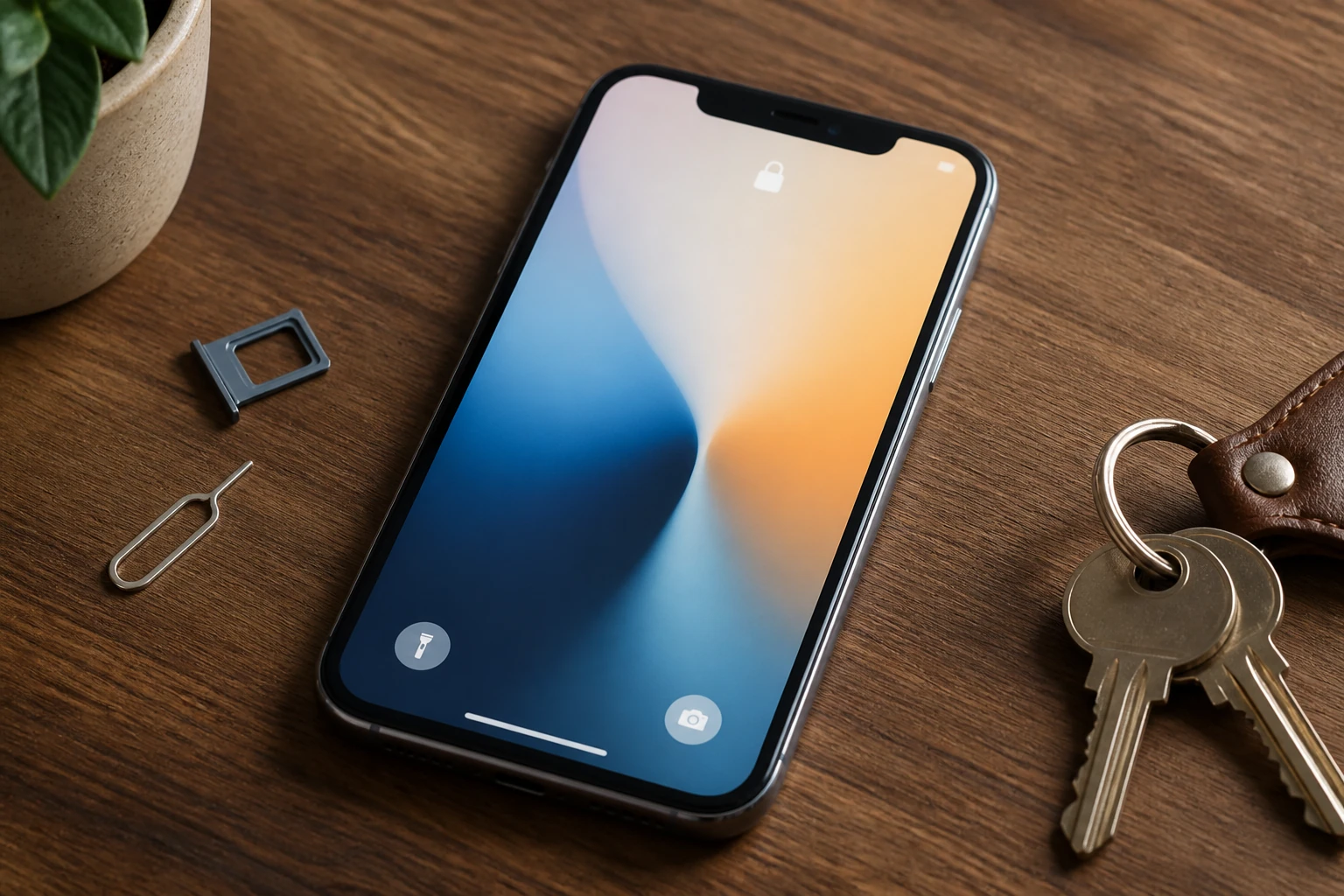
Eject your physical SIM card or transfer your eSIM to your new phone. Give the screen and camera lenses a wipe with a microfibre cloth. At i Repair Centre, we buy used and broken phones across Cirencester, Newmarket, and Southampton, offering immediate cash valuation.