Why Is Your iPhone Battery Depleting So Quickly?
Excessive power drain is one of the most frustrating device issues. The root cause usually falls into one of two categories: software rogue processes or physical battery cell degradation.
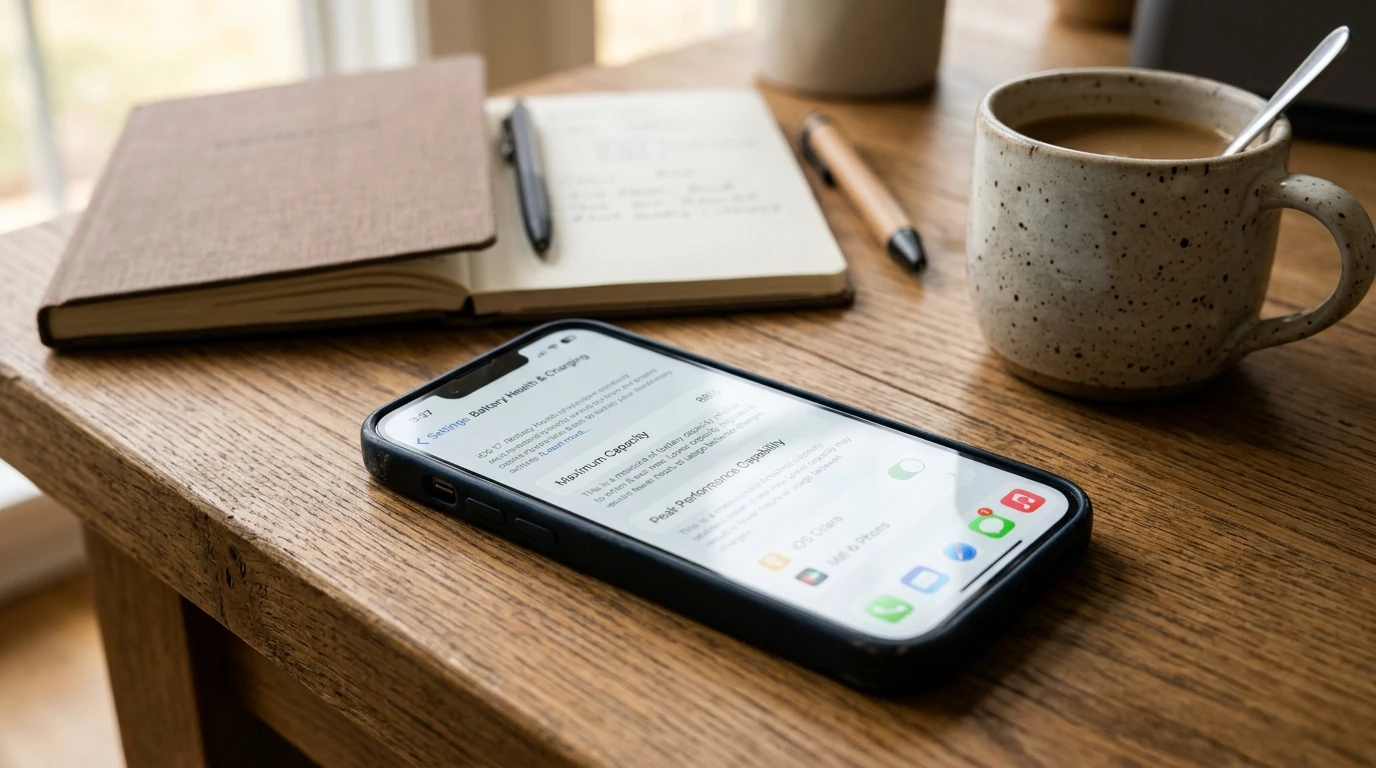
To diagnose your phone, navigate to Settings > Battery. Scroll down to review 'Battery Usage By App'. Look for applications showing high background activity percentages despite minimal screen time.
Quick Settings Changes to Stop Instant Drain
1. Background App Refresh: Go to Settings > General > Background App Refresh and set to Wi-Fi only or turn off for non-essential apps.
2. Location Services: Set location access to 'While Using the App' rather than 'Always'.
3. Display Brightness: Keep Auto-Brightness enabled to avoid running at maximum nit levels indoors.
If your battery continues to plunge after tweaking settings, the chemical cells are worn and need replacement.